Windows
Windows 10/11 · 64-bitInstall the Windows desktop app and connect your Android device or emulator.
View Windows releasesDownload AuraCheck Desktop for Windows and macOS. Run Android tests locally, prepare iOS testing through WebDriverAgent, and connect coding agents through MCP.
Choose your installer and current release on the official download page.
Install the Windows desktop app and connect your Android device or emulator.
View Windows releasesInstall the macOS desktop app for local Android execution. iOS testing uses a separate WebDriverAgent setup.
View macOS releasesAuraCheck Desktop connects the workspace to an Android device or emulator on your machine. Prepare the app and test account, choose the connected device, then execute the reviewed case.
The replay shown here is an Android permission and onboarding excerpt from a real TOCO run.
Explore Android & iOS testing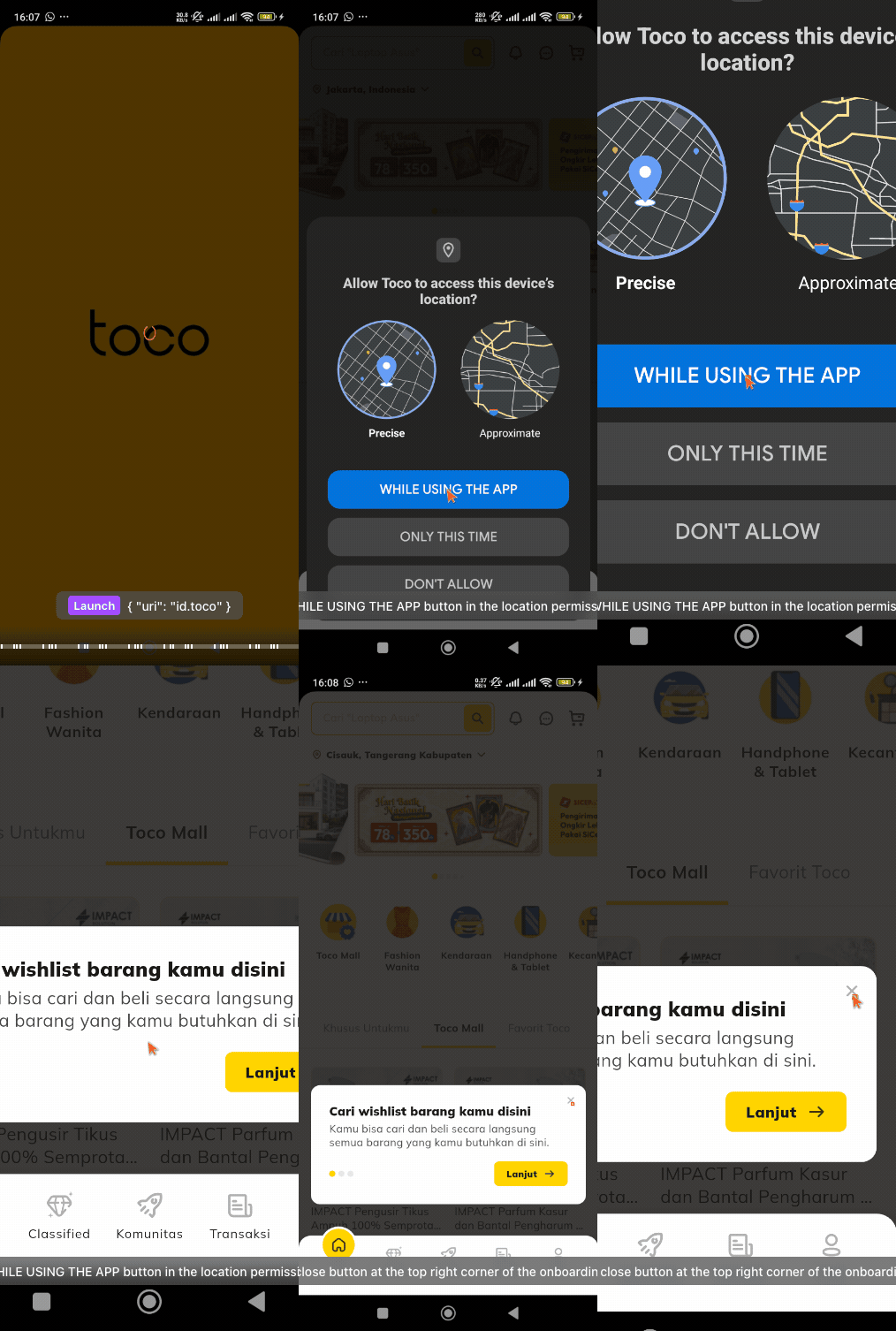
Bring one important user journey. See what AuraCheck can do with it.